
TOOLSORCERER STUDIO · GAME & DESIGN TOOLS

Your character.
Your next game.

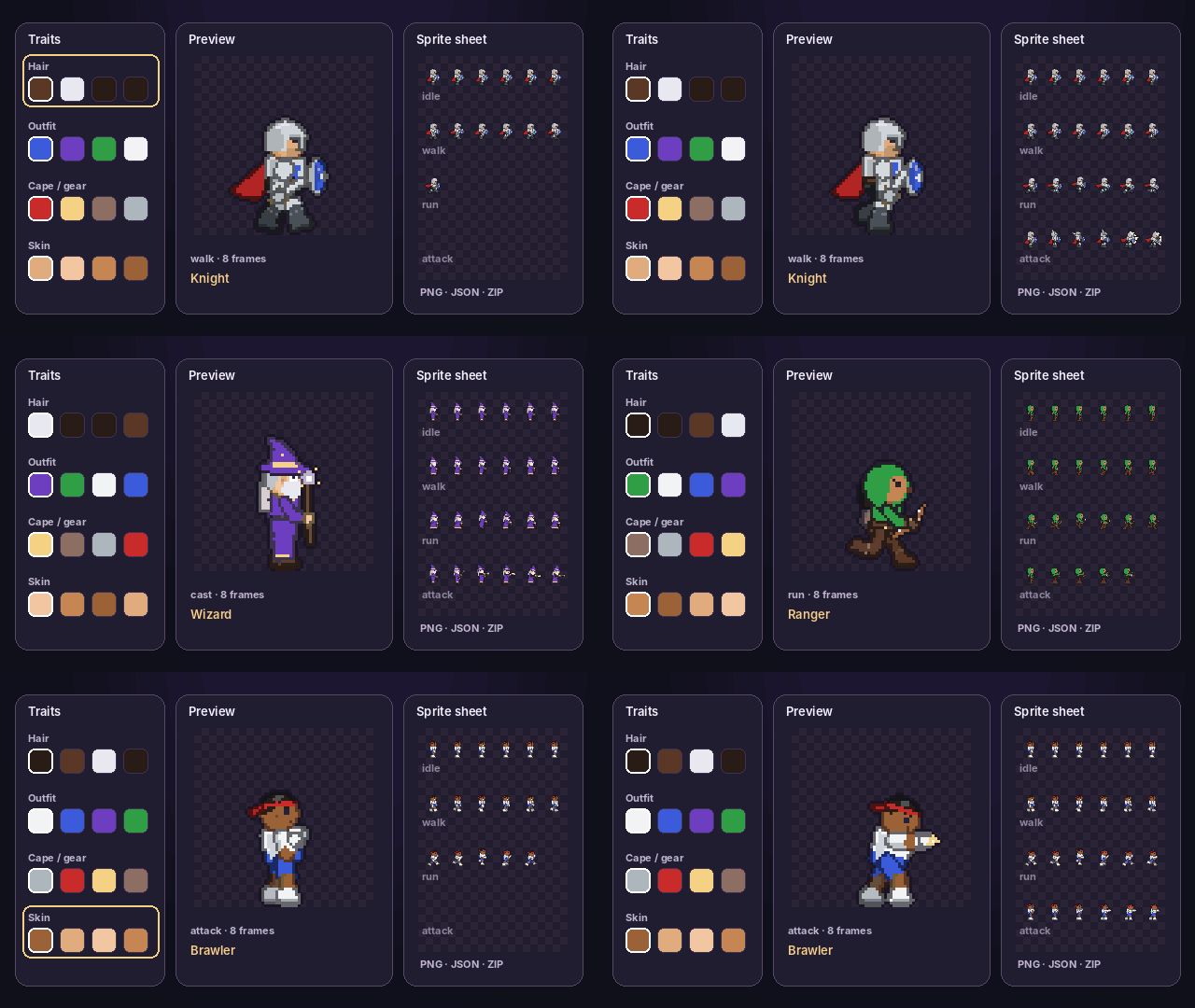
Build a character from the parts inside the creator, watch it move, and take the animation frames into your project.

No account neededPixel art & smooth stylesFree PNG, JSON & ZIP exports
READY TO USE

A character creator with room to explore

Choose parts here. Export frames for your game.

A SIMPLE CREATIVE FLOW

Choose. Preview. Export.

  1. 01

    Choose your character

    Pick a preset, then change the built-in parts and colors. No image upload is needed.

  2. 02

    Watch it move

    Try movement, combat and expression animations. Pause and inspect individual frames.

  3. 03

    Build your sheet

    Choose pixel art or smooth rendering, frame size and animations. Save a character file to edit later.

More tools for your project

Keep working with the available image and design tools while Studio grows.

Ideas for future Studio workspaces include particles, visual effects and game interface assets. Suggest what would help your project.